Friday, July 27, 2012
Daily Post-It Monster Edition!
Friday, July 20, 2012
Daily Post-It 7/9-7/20
Friday, July 06, 2012
Daily Post-Its 7/2/12-7/6/12
Sunday, July 01, 2012
Friday, June 29, 2012
Daily Post-It Sketches 6/25-6/29
Thursday, June 07, 2012
Cartoon Masters Class of 2012
Monday, May 28, 2012
Lunchmeat
Monday, February 27, 2012
iPad Sketching

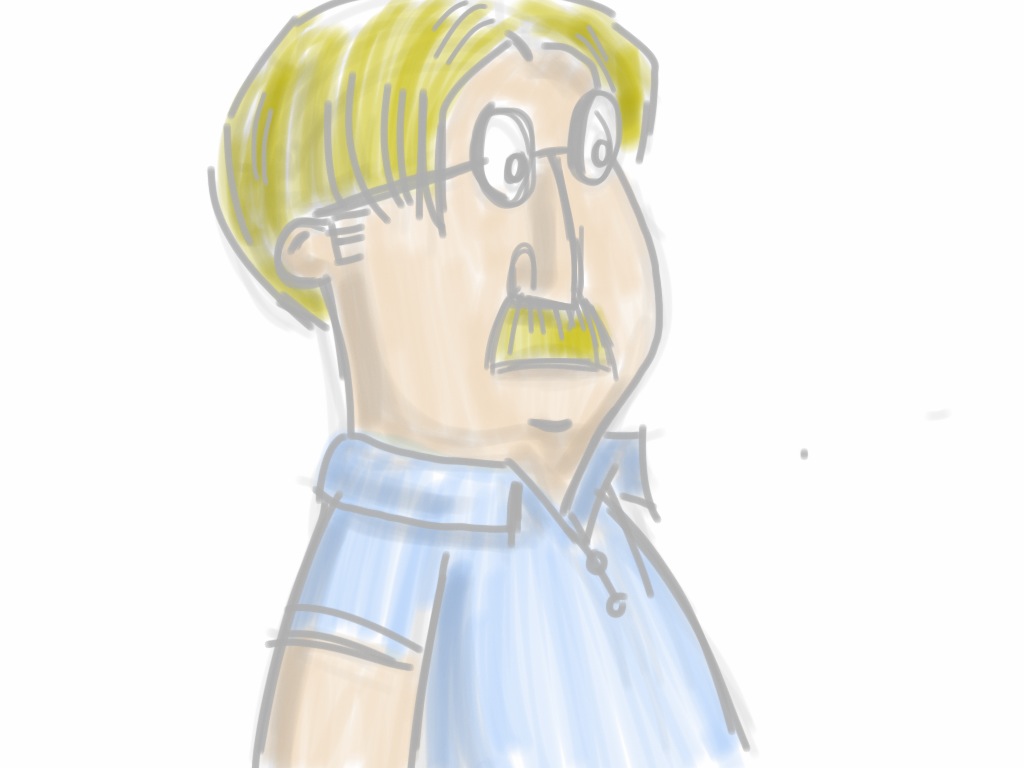
I recently purchased a wacom bamboo stylus for the iPad. I have the sketchbook pro app and drawing with my finger just wasn't cutting it. I did a little research on stylus pens and decided to go with the wacom because, well its wacom and thats what the do best. iPad stylus technology is not that great. The nib is very thick and there is no sensitivity. It's tough to get a good drawing done with this. Its is definitely better then drawing with my finger, I have more control and it feels more natural. It's really tough to get fine detail which I found out quickly.
I use the sketchbook pro app to capture rough ideas on the go. There are a good amount of features like layers, cool brushes and a color palette. It's pretty close to the computer version. If only they could make a good stylus with some pressure sensitivity it would be amazing. It's nowhere close to using a cintiq, but you can do some cool stuff while chilin at a starbucks.
Here are some drawings I worked on this week.
Wednesday, February 08, 2012
Drawing in Public 10


Monday, January 02, 2012
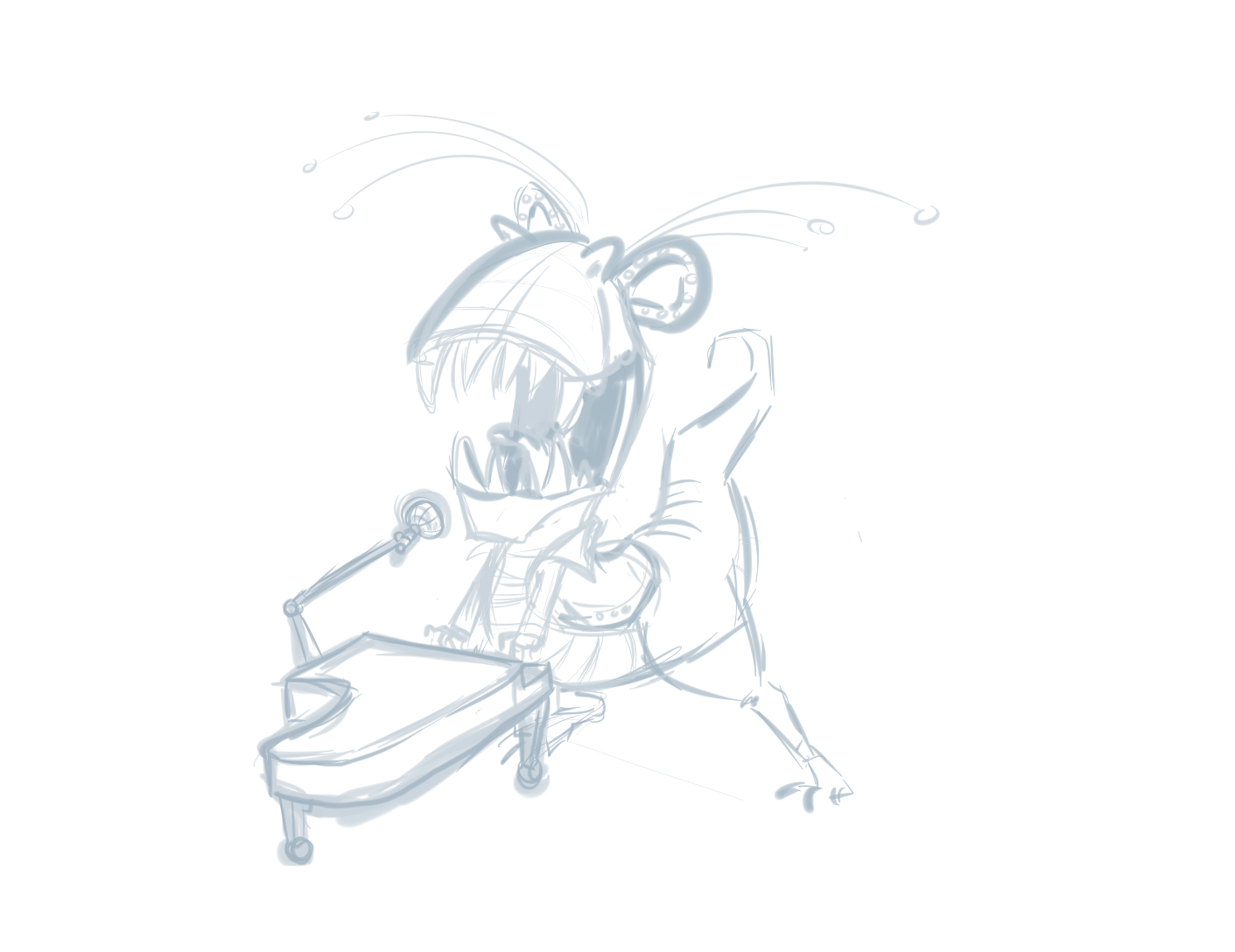
T-REX Elton John


I am doing all my drawing in sketchbook pro. I start off with a rough drawing to find the right pose. I work out the basic composition first before starting any detail.

I tighten up the drawing a little more defining the heavy detailed areas like the feet and those crazy feathers. I also alter the composition a little to accommodate the added feathers .

Now that all the lose ends are figured out I start inking. I try to use simple and expressive lines here. My main goal is to capture the energy of the original drawing.

When I am happy with the black and white drawing I will move it to Photoshop to start coloring. First I fill the main areas with flat color.
Then using mostly the burn and dodge tool I will add shadows and highlights to better define the form. I mask out a lot of areas and separate parts in many different layers.
Here I add the finishing touches on the character like super highlights, texture, a secondary light source and of course sparkles. These little things really bring the piece to life.

The background is a series of gradients, textures and photoshop brushes for a fancy effect. I add the drop shadow as well.